Plan your time
See your commitments together.
Plan your schedule, tasks, and routines in one offline-first Android app.
Android 7.0+ / Release preview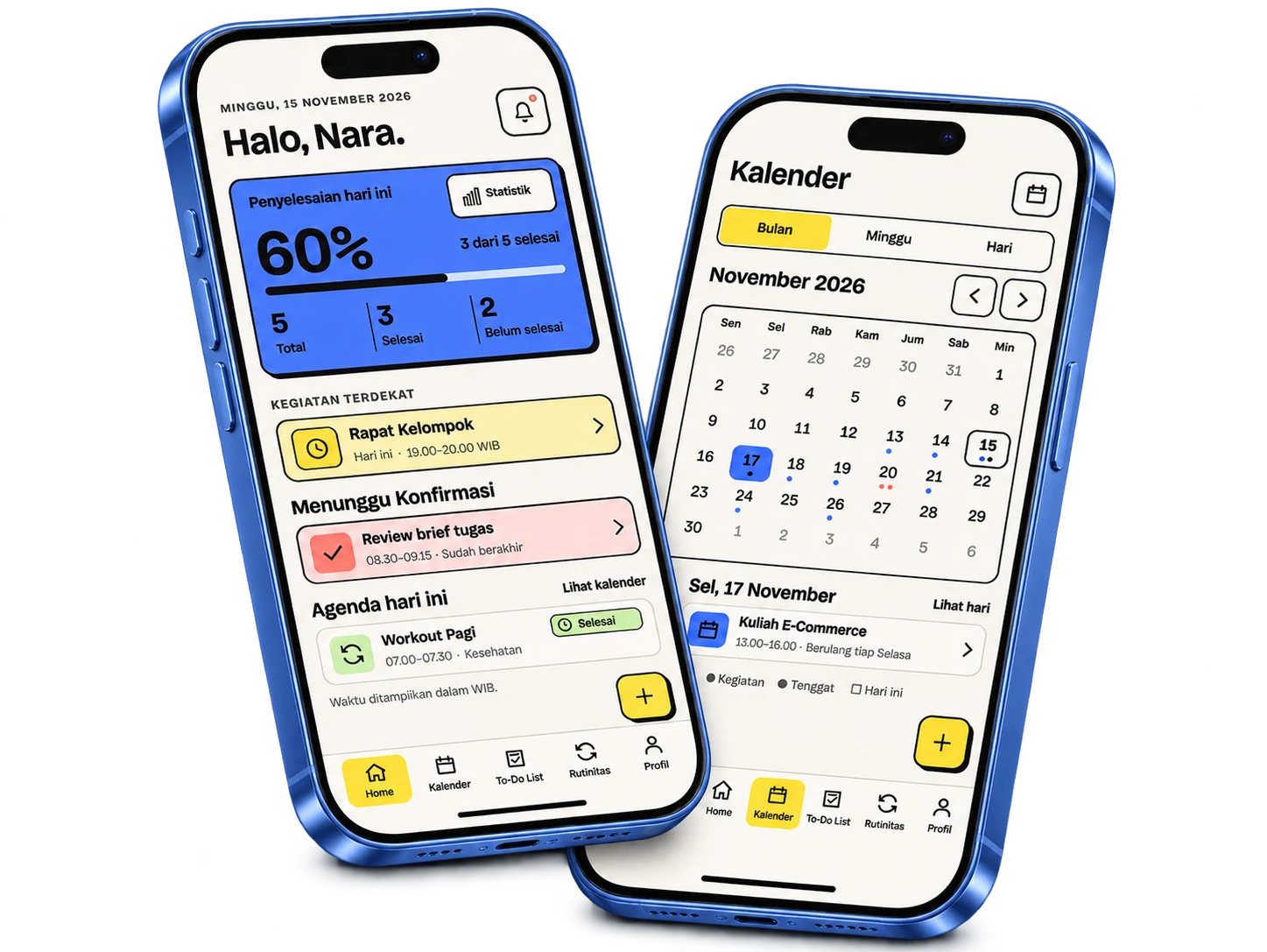
Product overview
See your commitments together.
Keep deadlines and next steps in view.
Make time for habits that matter.
Main features
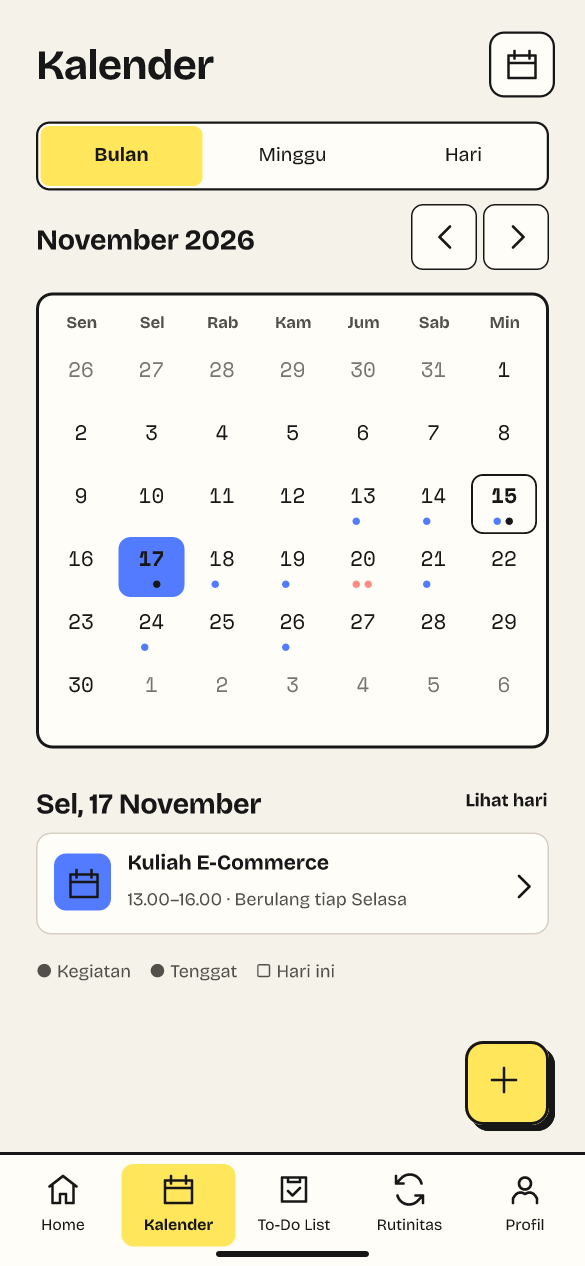
Move between month, week, and day views.
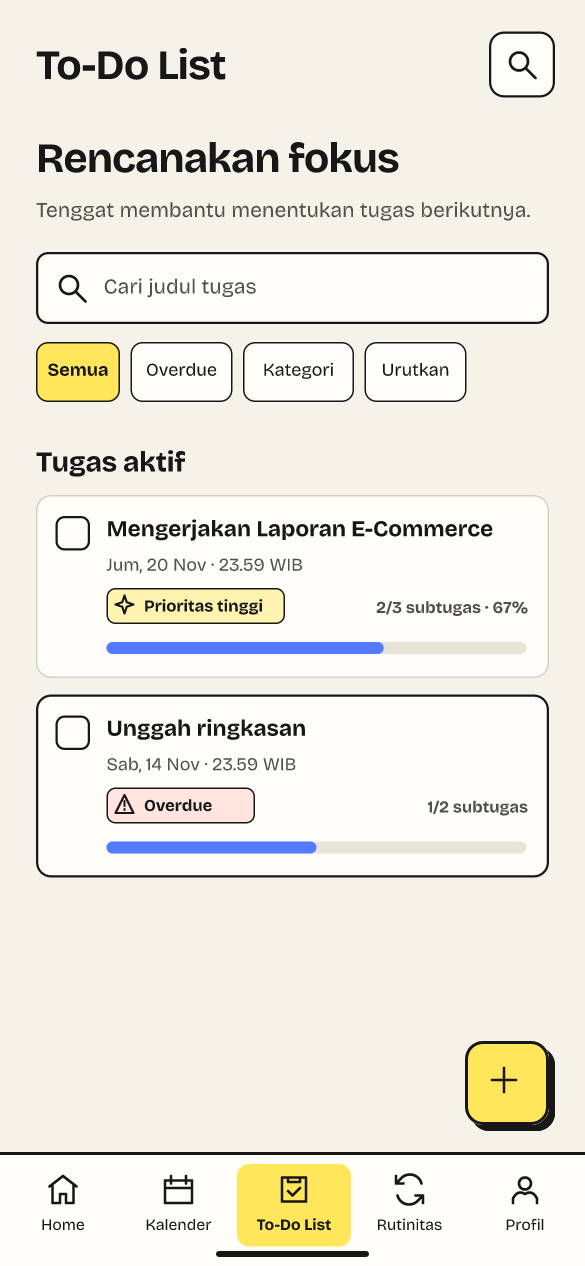
Break a task into smaller steps and track its deadline.
Set goals and record time spent.
Review available slots for your tasks.
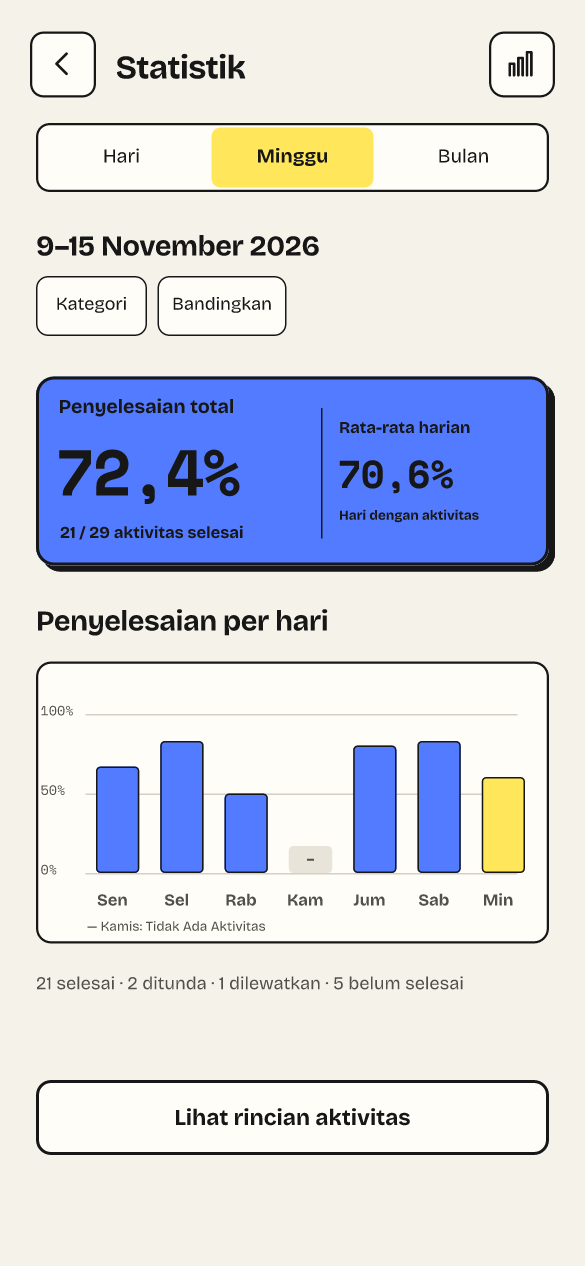
Compare activity over time.
Choose when your device reminds you.
Smart Scheduling
Routina weighs your active hours, existing plans, task deadline, and estimated work time.
You review each slot and approve it before Routina adds it to your schedule.
Routine tracking
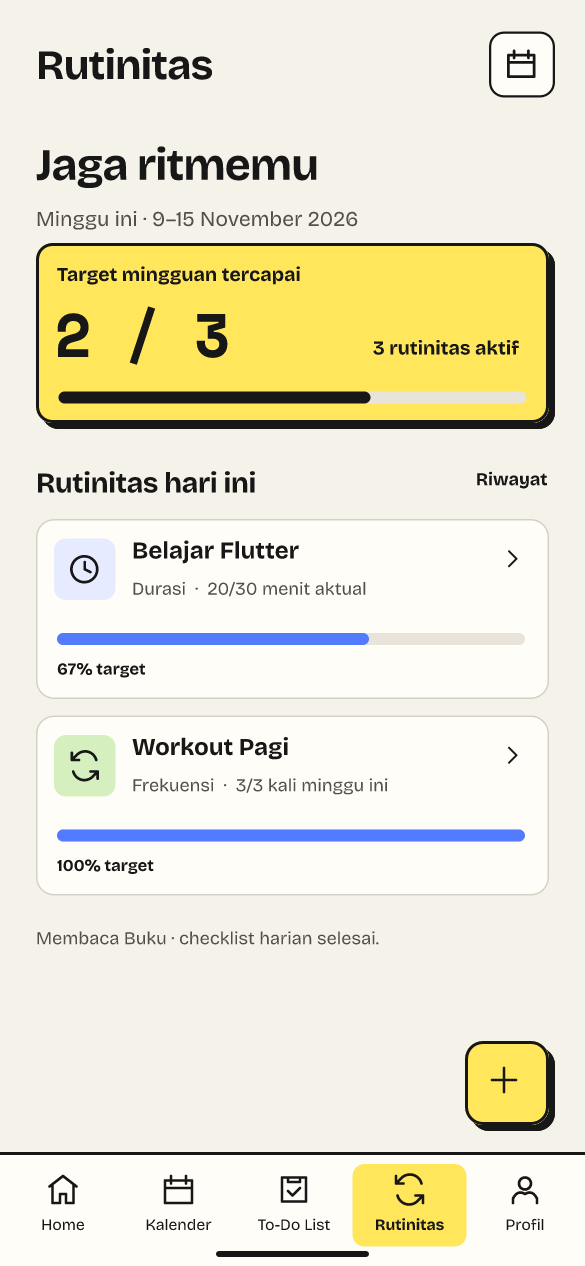
Set a goal for study or exercise. Start the timer when you begin, then see how the time you actually spent compares with your plan.
Actual time / Study
Productivity statistics
Review daily, weekly, or monthly activity. Figures below are a weekly demo.
Privacy & offline
Your planner works locally, without an online account.
Your planner data stays in the app’s local database.
Open the offline planner and start with your own schedule.
Choose a password and where to export your backup. Restore it when you need it.
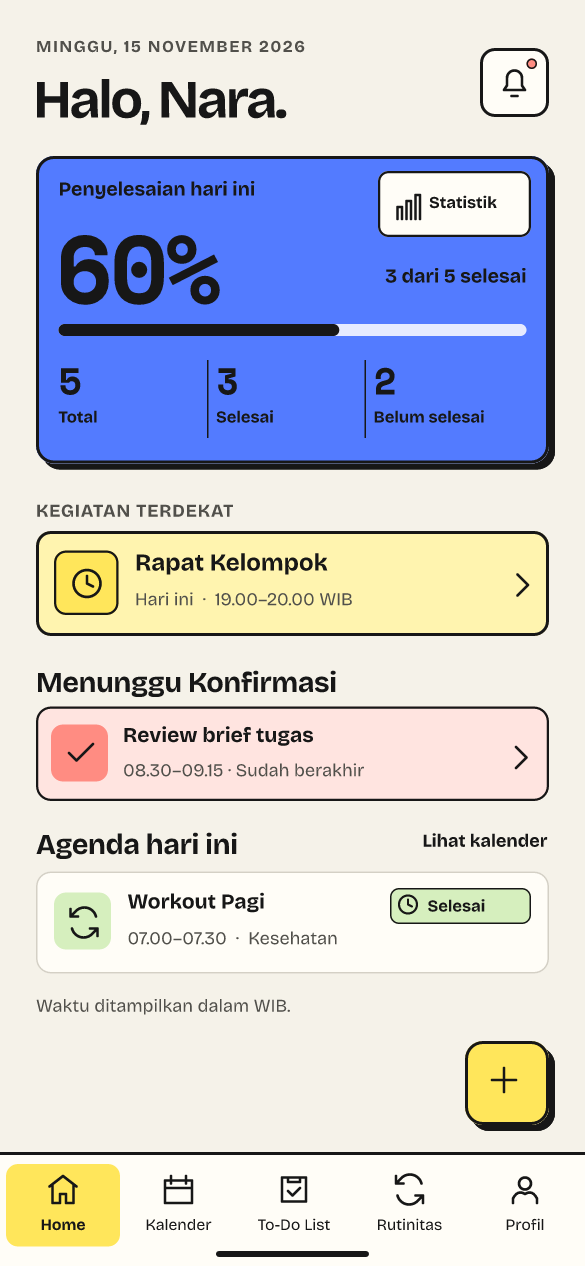
App screenshots
Original app designs with sample planner data.
How it works
Once the public release is available, get the official Android package here.
Open the APK and follow Android’s installer and device security checks.
Set your active hours, add a task, and make room for your first routine.
Android download
Routina for Android is in release preview. The public download opens after approval.
Signed Android candidate
Build 1 · Android 7.0+
64,321,176 bytes
c625d6afc34034258aa00fae7b241f8f2f7f5df234af18f7c335a1d90dcb5e1eRelease notes pending
FAQ
Routina is an offline-first Android planner for your calendar, tasks, and daily routines.
Pricing for the public release has yet to be announced.
Yes. Plan your day, run routine timers, and review your progress using data on your device.
The offline version works without an online account.
Once published, download the official APK. Open it and follow the Android installer and its security checks.
Choose a password and export an encrypted backup to a location you control. Restore it with the file and its password.
Back up first. Updates require a compatible signed APK with a higher version code. Signed upgrade testing is pending.
This preview is for Android. Native iOS testing is pending.
Routina for Android